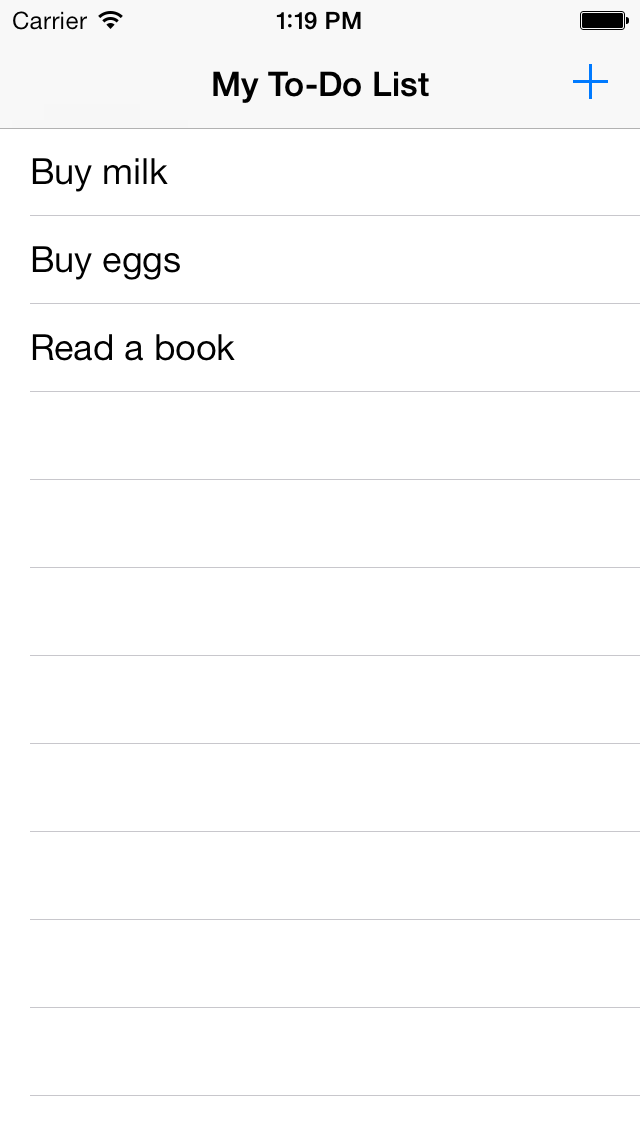
I can understand now at this point that inviting a new app into your live to keep lists and reminders is a crowded space. But I really want to open your minds to this one. Google Keep has some tremendous benefits for the super busy person who wants labeling in one place.
I think may find yourself returning to it before you know it as your go to list maker/ creative space.
- Syncs across Google Accounts, Allows Sharing and Exporting to Google Docs
- Provides Notifications and Reminders
- Allows for labeling, labeling
- Creating checkboxes and crossing items off of your list without losing the item.
- Allows for archiving, changing of list color and email sharing.
- Has nice smooth web and desktop interface linked with your Google Account.
- It can also be added as a shortcut to your Google Apps(The same place you find Drive and Docs).
I was slow to start using Google Keep as it was very similar to Evernote in its features but as a dedicated Google Docs user the creation of Docs from my lists was the biggest selling point. Additionally, the ability to have a cross platform application that syncs with my Google Desktop as an option makes efficiency when moving from location to location amazingly simple.
 |
| Desktop View Of Google Keep |
I have used this app to share lists which are constantly evolving and changing in real time. I have also used this list maker to more easily enable blogging on the run and turning into a Google Doc in a click of a button.
So go ahead download the "Keep" app from Google Play or find the 3rd party "Go Keep" app from the App Store and test out the sharing of lists,notes,photos and whatever your heart desires across email accounts.
Also be sure to view your synced desktop version when logged into your Google Account.
https://keep.google.com/
I think may find yourself returning to it before you know it as your go to list maker/ creative space.